


Somewhere below the horizontal line in your navigation menu, there used to be nothing. Just a copyright notice, doing its quiet copyright notice thing, alone. That’s changed.
What’s New
You can now add your own content to that space, in both the CRM app and my.app. Custom text, custom links, whatever your patrons actually need to find. No more pretending the footer doesn’t exist.
Where To Find It
Head to Admin Tools, then Transactional Messages, and you’ll see a new tab: Footer Content. That’s your control panel for everything that shows up below the line.
How It Works
Add freeform text, or add links. If you’re adding a link, you’ll need two things: a target URL and button label text. Both are required. Skip one and the system will let you know, politely but firmly, via error messages built right into the form.
Button labels max out at 28 characters. That’s not us being difficult, that’s us preventing your button text from wrapping onto a second line and looking like a typo.
Two safeguards worth knowing about. First, if you try to navigate away with unsaved changes, a warning modal steps in before you lose anything. Second, once you do save, a confirmation snackbar pops up so you know it actually worked, instead of just hoping.
Where Patrons See It
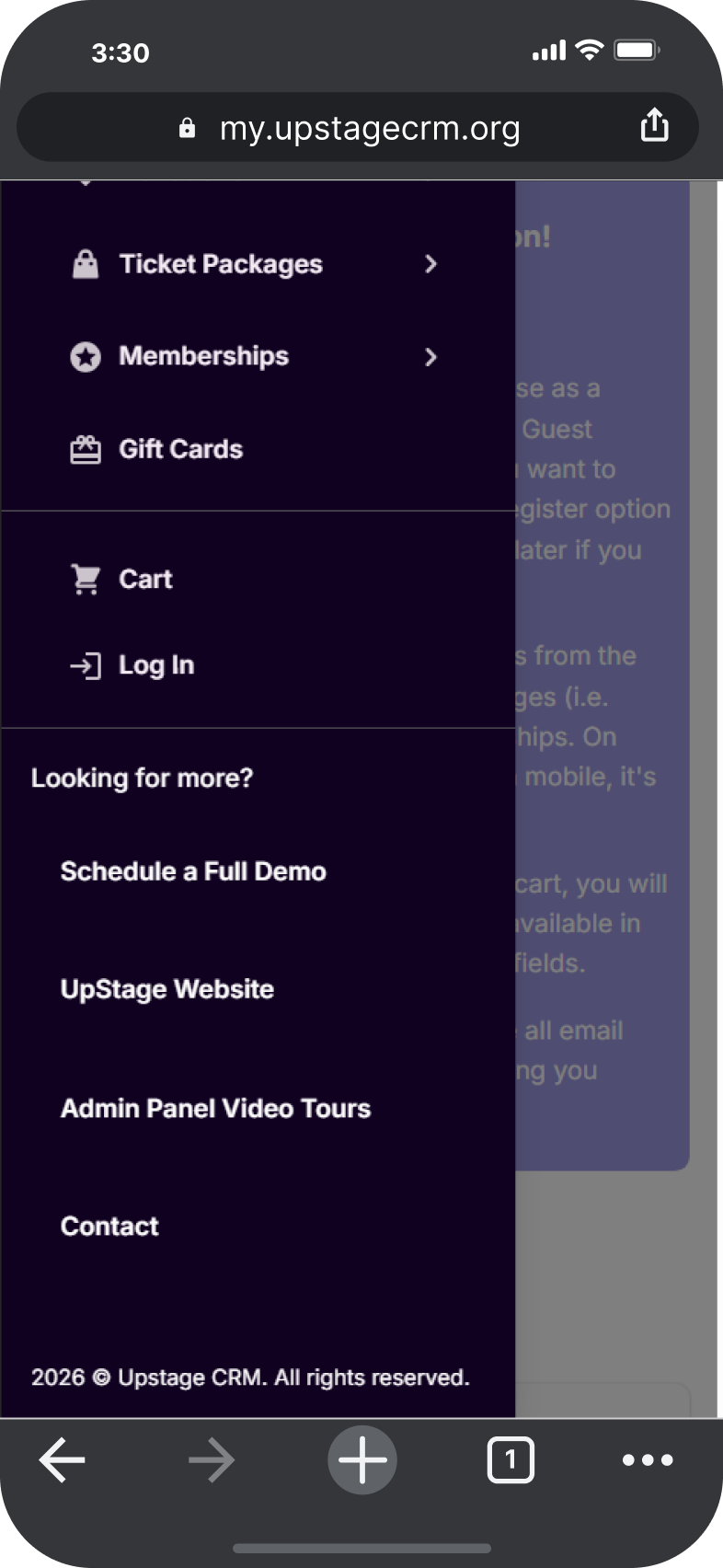
In my.app, this content shows up in the left navigation menu. By default, that space only shows the copyright notice. The moment you add freeform text or links, that’s what your patrons see instead.
Small space. More useful now.
Next Steps
Want to see how this fits into your workflow? Book a personalized demo and we’ll walk through it together.




