


Order Notes have been sitting quietly inside every transaction this whole time, doing their job, getting zero credit. That changes now: they can finally show up in your Metrics and Analytics reports as a column of their own.
What’s New
In the report builder for Metrics and Analytics reports, there’s a new checkbox labeled “Order Notes.” It sits alongside your other output options, and it starts unchecked, so nothing changes unless you flip it on.
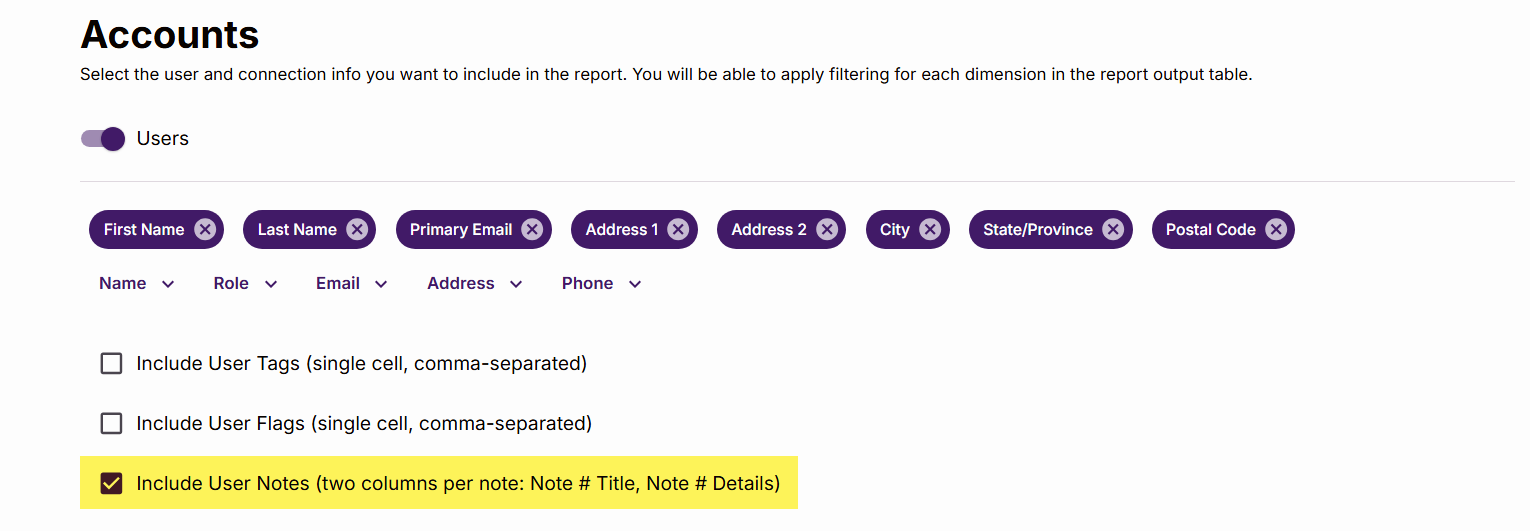
Turn it on, and here’s what you get:
- A column titled “Order Notes,” inserted between “Order ID” and “Payment Method.”
- Output in plain text, pulled straight from the transaction.
Where It Lives
Order Notes lands specifically between Order ID and Payment Method in your column order. You can rearrange the order as needed, just like all report columns.
Why It’s Useful
Order notes can run long. Sometimes very long. That’s fine, and honestly expected: this column is built with CSV export in mind, where a lengthy cell is a shrug, not a problem.
Testing confirmed it holds up cleanly, including special characters, both in the report output and in the CSV export itself.
Better yet, the default report search tools can identify any text in the note output, making it that much easier to find and filter your segments.
Who Gets It
This started as custom work for one organization, but it’s rolling out as a standard feature for all US and Canadian UpStage users.
Next Steps
Want to see how this fits into your workflow? Book a personalized demo and we’ll walk through it together.




