


Every December, someone on your team sits down to write a stack of donation acknowledgment letters, and every December, that someone quietly resents it. UpStage just gave that person their evening back.
The new Tax Letter Wizard lets admins and managers generate IRS-compliant donation acknowledgment letters for US-based donors directly from the CRM, no exporting to a mail merge tool, no manually copying donor addresses, no crossing your fingers.
What The Letters Actually Say
Every letter pulls in the donor’s name and mailing address automatically, along with a customizable opening and closing. The required tax language sits in the middle, generated for you:
“On [donation date], you donated $[donation amount]. [Organization Name] is a tax-exempt organization under Section 501(c)(3) of the Internal Revenue Code [organization EIN number] and your contribution is tax deductible. No goods or services were provided in exchange for this contribution. Please retain this letter for your tax records.”
That’s the exact statutory language the IRS expects for a proper donor acknowledgment. You’re not guessing at compliance language; it’s baked in.
If your organization wants to say more, there’s a single freeform text field for additional intro or closing copy, and it supports merge tags, so you can personalize at scale without writing four hundred individual letters by hand.
How Generation Works
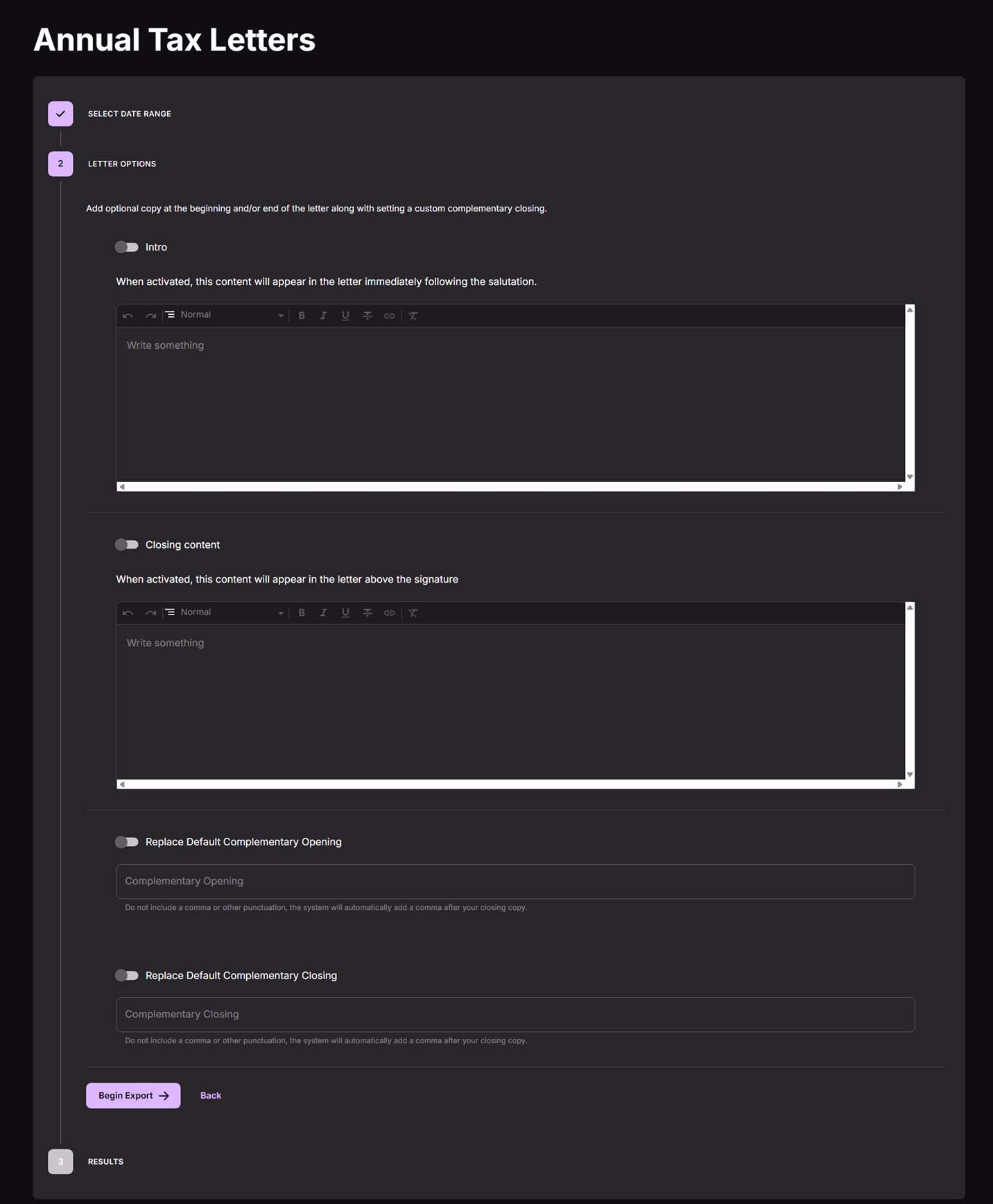
Pick a date range, toggle the letter options you want on or off, and generate. UpStage compiles every qualifying letter into one combined PDF, so you’re downloading a single file instead of hunting through a folder of individual documents.
A confirmation message lets you know the download has started, and the page stays put while it works, so you’re not left wondering if anything happened.
Multi-page letters are supported without formatting issues, so longer, more personalized letters won’t break mid-page.
Where To Find It
The Tax Letter Wizard lives in its own menu item in the CRM sidebar, visible only to US-based organizations as our Canadian users have their own super-special tax letter tools!
Next Steps
Want to see how this fits into your workflow? Book a personalized demo and we’ll walk through it together.




